Know What Every Namespace, Workload, and Pod Actually Costs
Most teams overprovision Kubernetes by 35% or more. Cloptima gives you deep cost visibility across clusters, with AI-powered rightsizing and idle resource detection.
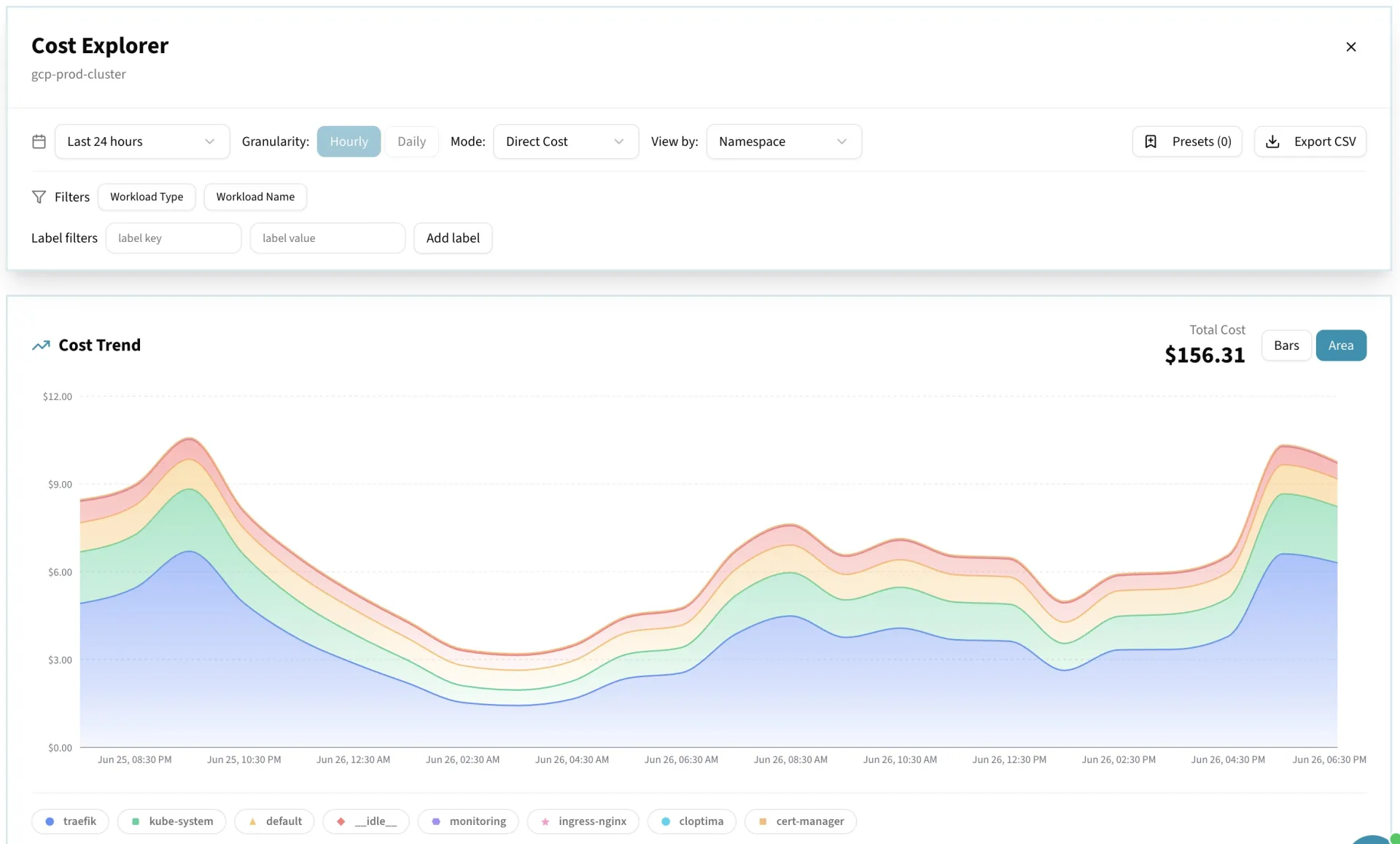
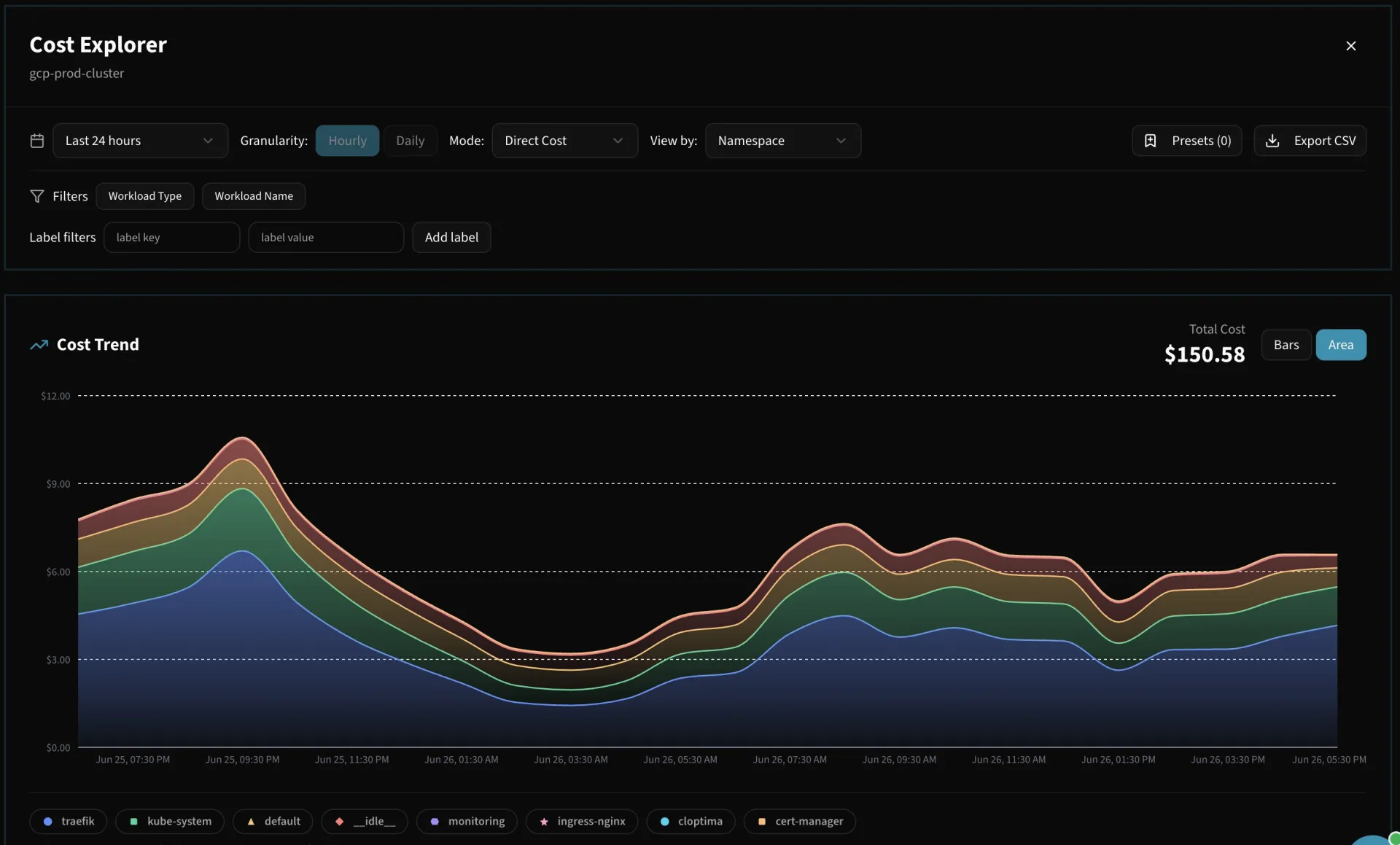
Kubernetes hides cost behind layers of abstraction.
A pod doesn't come with a price tag. Spend is spread across shared nodes, split between what you requested and what you actually used, and mixed across teams in the same cluster — so 'what does this service cost?' is genuinely hard to answer. Cloptima maps real pod consumption to node pricing, separates attributed spend from idle capacity, and ties it back to the teams and workloads that own it.
- Cost down to namespace, workload, and pod — direct vs idle capacity separated
- Rightsizing from real P95 utilization, with confidence and safety scores
- Idle pods, unattached volumes, and orphaned load balancers surfaced
- PR cost impact catches expensive manifest changes before they merge
Kubernetes Cost Intelligence
Namespace Cost Breakdown
See costs allocated to each namespace. Know exactly what 'production', 'staging', and 'dev' cost you every month across all clusters.
Workload-Level Visibility
Drill into individual Deployments, StatefulSets, DaemonSets, and CronJobs. See CPU, memory, and storage costs per workload.
Rightsizing Recommendations
Based on actual usage metrics, Cloptima suggests optimal resource requests and limits. Stop overprovisioning and reclaim idle capacity.
Idle Resource Detection
Automatically detect pods running at <10% CPU, PVCs with no reads/writes, and scale-to-zero candidates that waste money 24/7.
Team Attribution
Map namespaces and workloads to teams. FinOps can see which engineering teams consume the most and track optimization progress.
Cost Trending & Anomalies
Track namespace and workload cost trends over time. Get alerted when costs spike due to HPA scaling events, new deployments, or configuration changes.
Install in Under 5 Minutes
# Add the Cloptima Helm repo
helm repo add cloptima https://charts.cloptima.ai

# Install the K8s agent
helm install cloptima-agent cloptima/cloptima-k8s-agent \
  --set apiKey=YOUR_API_KEY \
  --set clusterName=production \
  --namespace cloptima-system \
  --create-namespace
Lightweight agent: ~50MB memory, <0.1 CPU. Read-only cluster access.
Frequently Asked Questions
Stop Overprovisioning Your Clusters
Install the K8s agent and get cost visibility in minutes.